

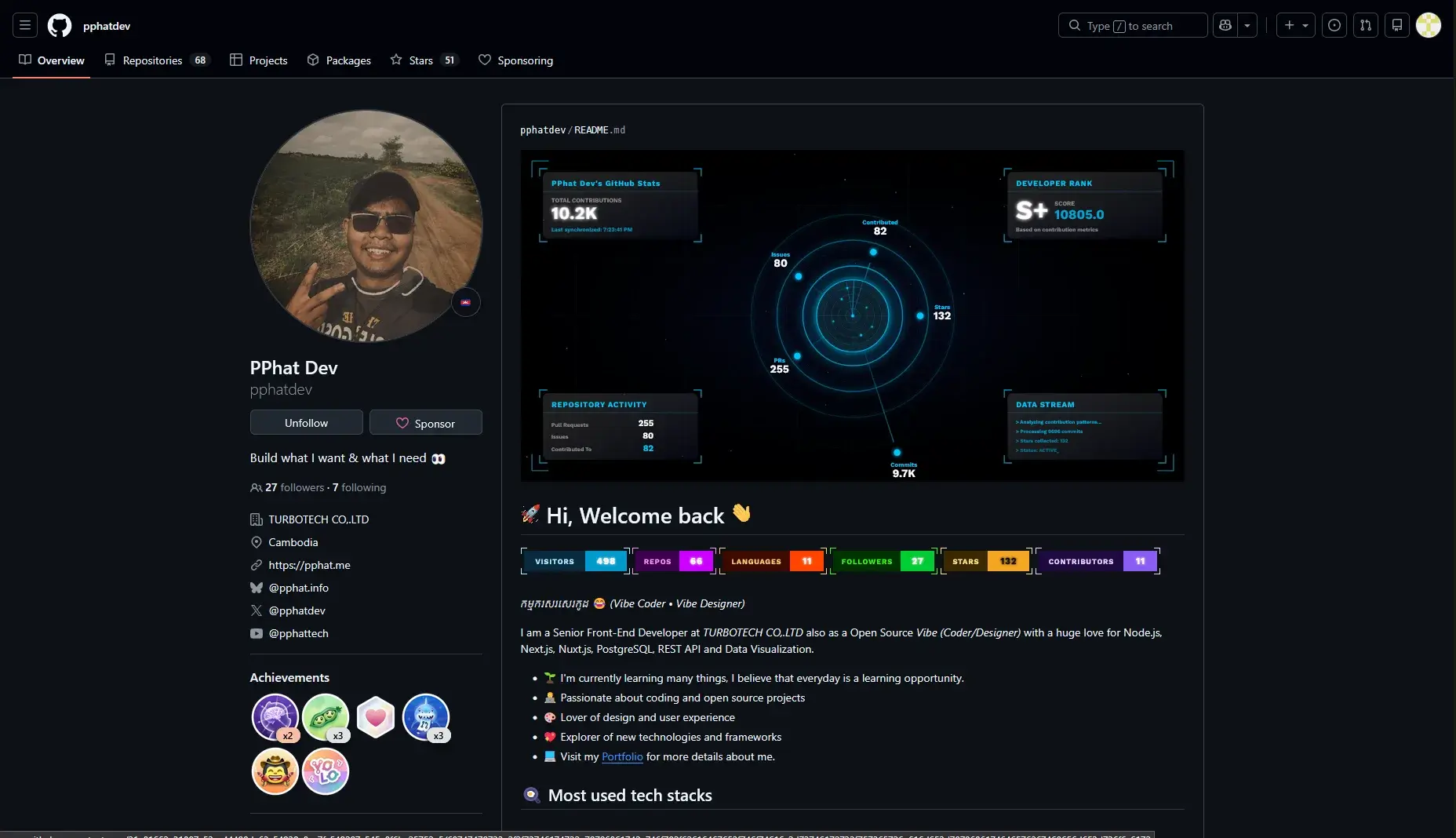
Using Stats from stats.pphat.top
📖 Overview
Table of Contents
- What is Stats of GitHub Stats?
- How to Use Stats endpoint
- Params for
Statsendpoint - Themes Presets
- Hide Title
- Hide Ranking
- Avatar Mode
- Customize Title
- Data Border Style
- Data Border Framing Style
- Data Border Framing Offset
📖 What is Stats of GitHub Stats?
Stats is a part of GitHub Stats API endpoint that allows you to generate beautiful stats cards for your README and portfolio.
📖 How to Use Stats endpoint
This is how it looks like when you use the Stats endpoint:

Also you can see the real usage on my GitHub profile.
🚀 Params for Stats endpoint
These are params of Stats endpoint:
| Param | Description | Required |
|---|---|---|
username | GitHub username | Yes |
theme | Theme preset | No |
hide_title | Hide title | No |
hide_rank | Hide rank | No |
avatar_mode | none, radar | No |
custom_title | Custom title text | No |
data_border_style | solid, frame | No |
data_border_frame | in, out | No |
🎨 Themes Presets
Pick a theme by adding the query parameter below:
theme=<preset-name>
Example:

More examples:


🌟 Popular presets
defaultdarktokyonightdraculagruvboxgithub_darkrose_pinenord
📋 All preset names
All themes are shown in the gallery below.
Hide title
Use this to hide the card title.
Parameter: hide_title=true

Hide Ranking
Use this to hide the rank badge.
Parameter: hide_rank=true

Avatar Mode
Control avatar rendering mode.
Supported values:
noneradar


Customize Title
Set your own title text.
Parameter: custom_title=<your-title>

Data Border Style
Control the border style around data sections.
Supported values:
solidframe


Data Border framing style
Control frame direction when using data_border_style=frame.
Supported values:
inout


Data Border framing offset
Adjust frame spacing (offset) from content.
If your API version supports frame offset, use:
Parameter: data_border_frame_offset=<number>

💖 Thank you
Is this article helpful ? Check out the project
Thanks for reading! 💖